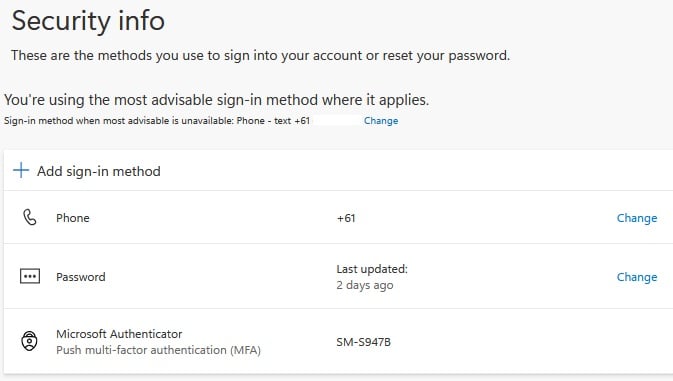
You must add recovery information in order to reset your password in future.
Add your mobile number as recovery information
- Visit Google Recovery Phone
(https://myaccount.google.com/signinoptions/rescuephone) - Sign in with your student email
- Click ‘ADD RECOVERY PHONE’

- Enter your mobile number and click ‘NEXT’

- Enter the verification code sent from Google and click ‘VERIFY’

Add your personal email as recovery information
- Visit Google Recovery Email (https://myaccount.google.com/recovery/email)
- Sign in with your student email if required
- Enter your personal email for the recovery and click ‘Next’

-
- Enter the 6-digit code from your personal email for the recovery and click ‘Verify’

- Enter the 6-digit code from your personal email for the recovery and click ‘Verify’
* If you didn’t add recovery information and forget your password, please contact IT support
[KOI IT Support: ITsupport@koi.edu.au]