
Google Single Sign-on is available for Moodle(e-Learning) and Student Portal
Setup your Google Single Sign-on (First time):
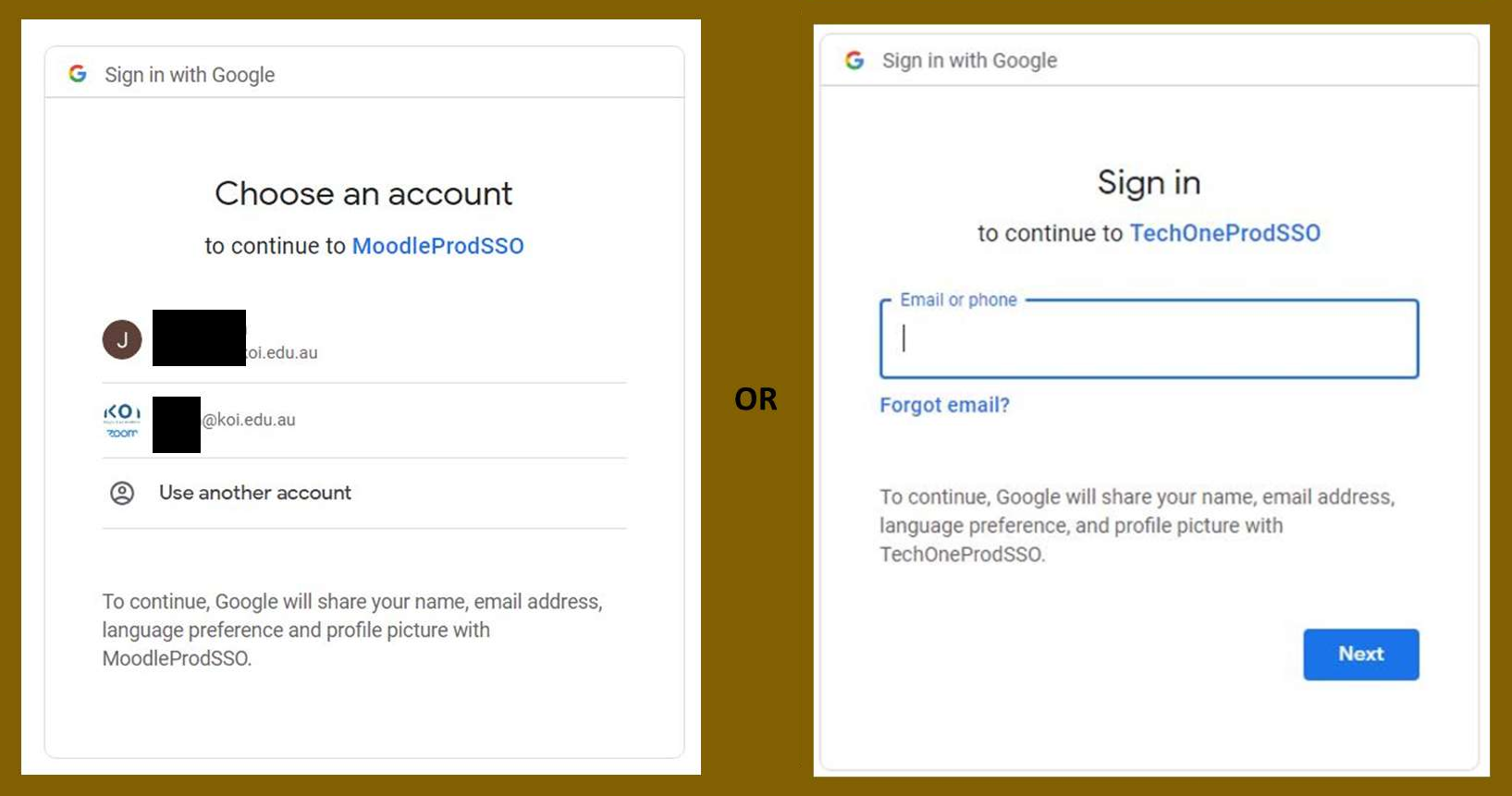
- Find and click the Google single sign-on option on Moodle or Student Portal login page

- Select or enter your KOI Student email address and password.
- Find the confirmation email and click the link to confirm the single sign-on request – Only for Moodle(e-Learning).


